Curated reviews and top-rated picks across electronics, kitchenware, phone accessories, and more.
Get a Free Quote




Trusted Product Reviews Since 2022
Symfonycamp publishes carefully researched product recommendations across categories including home electronics, kitchen, phone accessories, audio gear, and more. Each article highlights top-rated items with detailed ratings and direct links to learn more.
Explore Reviews

Our Review Categories
Explore top-rated products across every category we cover
 Bike Gear
 Audio
 Microphones
 Batteries
 Phone Cases
 Kitchen
Why Readers Trust Symfonycamp
- Curated top-10 lists with clear ratings for every product
- Reviews grounded in real product features and user feedback
- Categories spanning electronics, kitchen, audio, and accessories
- Direct links to check current prices and availability
- Published articles dating back to April 2022
- Ratings as high as 9.9 for standout products

Ready to Find Your Next Great Purchase?


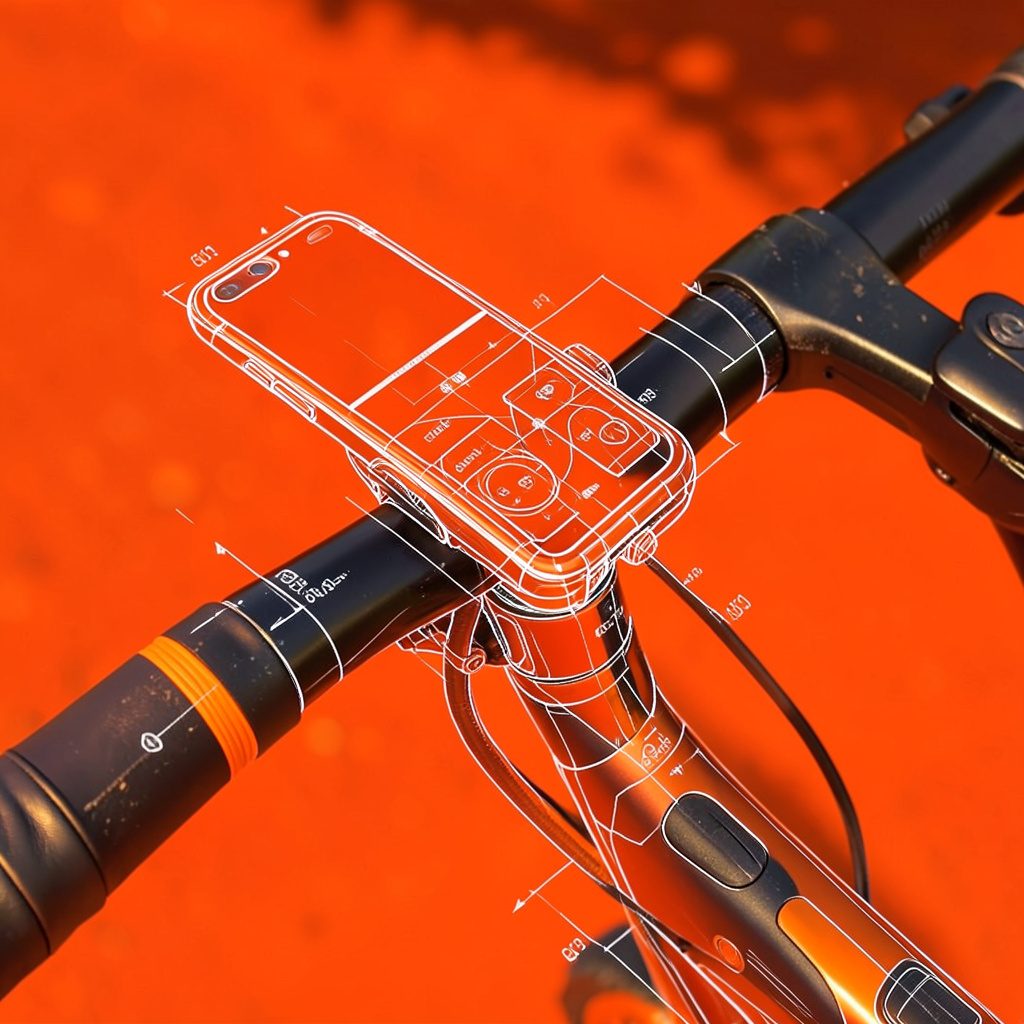
Featured Review: Best Bike Phone Mount from Andobil
Published July 1, 2022 — our detailed breakdown of Andobil bike phone mounts covers military-grade stability, anti-shake technology, and compatibility with iPhone and Samsung Galaxy series. Top-rated models scored up to 9.9.
Read the ReviewLatest Top-Rated Picks
Best Bluetooth Headphones for iPod Nano
View Picks
Best Blue Yeti Microphones for ASMR
View Picks
Best Frying Pans with Lids
View PicksReview: Reliable Solid State Drives for External Storage
A dependable portable SSD should make file storage feel uneventful. It needs to handle daily transfers, travel in a laptop bag, photo and video projects, and occasional knocks without becoming the weakest link in a backup system. For Australian buyers, reliability also means finding a model with proper local warranty support and a USB connection that matches the devices already on the desk.
The best choices balance flash memory quality, thermal control, physical protection, sustained write performance, warranty coverage and price. A drive that posts an impressive peak speed for a few seconds is less useful than one that remains stable while copying a large Lightroom library or several hundred gigabytes of video.
What Makes An External SSD Dependable
Solid state drives have no spinning platters or moving read heads, so they tolerate movement much better than portable hard drives. That makes them well suited to commuters carrying a drive between a home office in Melbourne and a workplace, or to photographers travelling from Sydney to regional locations. Physical durability, however, does not make an SSD immune to failure. Flash cells wear out, controllers can malfunction, and a damaged USB cable can interrupt a transfer.
The most useful specifications include the flash type, endurance rating, warranty period and interface speed. TLC NAND generally offers a sensible balance of performance and longevity for consumer storage, while QLC models can deliver excellent capacity at a lower price but may slow more noticeably during very large writes. TBW, or terabytes written, is a useful reference, although it should not be treated as a guarantee of lifespan. For practical background on storage terminology, this technical background can help clarify the difference between advertised capacity and usable space.
Heat is another important factor. Compact drives can become warm when writing continuously, and thermal throttling reduces speed to protect the controller. A metal enclosure may spread heat effectively, while a rubberised shell can provide better impact protection. Neither approach is automatically superior: the right choice depends on whether the drive will spend most of its time on a desk or in a crowded backpack.
The Strongest All-Rounder: Samsung T7 Shield
The Samsung T7 Shield remains one of the safest recommendations for general external storage. Its USB 3.2 Gen 2 interface provides up to about 1,050MB/s read performance on compatible hardware, while the rubberised exterior, IP65 water and dust resistance, and resistance to drops give it useful protection for everyday travel. It is fast enough for photo catalogues, game libraries and many 4K editing workflows without demanding a premium workstation connection.
Its security features are also practical. Hardware-based AES 256-bit encryption can protect files if the drive is lost, provided the password is configured and remembered. The three-year warranty is shorter than some competing products, but Samsung has strong brand recognition and broad availability through Australian retailers. That makes replacement and support less complicated than with a niche model bought from an overseas marketplace.
The T7 Shield is not the smallest drive available, and it does not exploit 20Gbps USB 3.2 Gen 2x2 ports. Its real-world speed also depends on the computer, cable and file type. For most users in Brisbane, Canberra or Perth, those limitations matter less than its mature design and protective casing. It earns the best overall reliability rating when balanced against price, speed and portability.
High-Speed Alternatives Worth Considering
The Crucial X9 Pro is an appealing option for buyers who value a long warranty and compact dimensions. It offers speeds around 1,050MB/s through a 10Gbps USB connection, includes a five-year limited warranty, and has an IP55 rating for resistance to dust and water spray. It is a particularly sensible companion for a MacBook, Windows ultrabook or tablet that supports USB-C but does not have a faster 20Gbps port.
For demanding creative work, the Crucial X10 Pro and SanDisk Extreme Pro Portable SSD can provide substantially higher peak speeds when connected to the correct USB 3.2 Gen 2x2 port. The catch is compatibility: many computers still include 10Gbps ports, in which case these drives behave much like less expensive models. Buyers should inspect the laptop or desktop specifications rather than paying for a speed rating they cannot use.
SanDisk’s portable Extreme range has also received scrutiny from users reporting drive failures in earlier product generations. That does not mean every current unit is unreliable, but it supports a cautious buying approach: purchase from an authorised Australian seller, keep firmware current where the manufacturer provides an update, and never use one portable SSD as the only copy of irreplaceable files. Performance-focused models are excellent working drives, yet their speed should not be confused with backup security.
Compact Choices For Everyday Carry
The Kingston XS1000 is among the easiest drives to carry. It is very small, weighs little, and reaches roughly 1,050MB/s over a 10Gbps USB connection. Its five-year warranty is reassuring, and its price is often competitive in Australia. It suits students, office workers and travellers who want to move documents, photos or a Steam library without adding bulk to a bag.
The trade-off is limited environmental protection. Unlike the T7 Shield or X9 Pro, the XS1000 is not designed as a rugged, water-resistant drive. It should be kept away from loose drink bottles, sandy beaches and the damp conditions that can occur during a wet Queensland summer. Its small body is also easy to misplace, so a bright cable or protective pouch is a practical accessory.
The WD My Passport SSD is another attractive portable option, with a slim enclosure and strong everyday performance. It is best treated as a desk-to-bag drive rather than expedition equipment. Buyers comparing prices should check whether the listed amount is in Australian dollars and whether GST, delivery and local warranty service are included. A cheaper imported listing may become less appealing if a failure requires international shipping.
Using An SSD Safely In Australia
A portable SSD should be formatted for the devices it will serve. exFAT is convenient when the drive moves between Windows and macOS, while APFS can be preferable for a Mac-only workflow and NTFS is native to Windows. Reformatting erases the drive, so the file system should be selected before copying a working archive. USB-C is only the connector shape; the cable and port still determine whether the drive reaches 5Gbps, 10Gbps or 20Gbps performance.
Power can matter when using an SSD with a phone or tablet. Some mobile devices may not provide enough power for every drive, especially during long transfers, and a hub or powered adapter can improve stability. Anyone planning a mobile editing setup should also consider phone battery guidance, since repeated high-speed transfers can drain a handset quickly. Eject the drive properly, avoid disconnecting it during writes, and keep it away from direct sun inside a hot car.
Australian conditions add a few practical concerns. Heat in Adelaide or Perth can push a compact drive toward thermal throttling, while humidity and sudden rain around Brisbane make water resistance worthwhile. For bush trips, camping or outdoor photography, a rugged model should travel in a sealed pouch rather than loose in a camera bag. Drives containing tax records, identity documents or client information should be encrypted, and businesses should consider their obligations under the Privacy Act and their own data-retention policies.
Australian Consumer Law provides consumer guarantees that operate alongside a manufacturer’s written warranty, although the exact remedy depends on the product, fault and circumstances. Keeping the receipt, serial number and retailer details makes a claim easier. A local purchase from a recognised retailer may cost slightly more than a grey import, but it can provide clearer support when a drive fails.
A dependable portable SSD is a working copy, not a complete backup strategy. The 3-2-1 approach remains sensible: keep three copies of important data, on two different types of storage, with one copy stored elsewhere. A second drive, network storage or encrypted cloud backup can protect against theft, accidental deletion, fire and corruption. Test the backup periodically rather than assuming that a file is safe simply because it appears in a folder.
For most Australian buyers, the Samsung T7 Shield offers the best blend of protection, speed and dependable everyday use. The Crucial X9 Pro is a strong alternative for its five-year warranty, Kingston’s XS1000 is ideal when size and price matter, and faster 20Gbps models make sense only with compatible hardware. The key point to remember is simple: choose a drive with suitable protection and local support, then keep important files in more than one place.